Website Content Planner

$27.00

Stop staring at that blank homepage like it owes you money.

Sure, you could Google "what goes on a homepage" and get a generic checklist from someone who's never built a website that actually makes you money. This planner goes deeper; it tells you not just what content belongs on each page, but why it matters, how to organize it strategically, and what you can skip entirely because not every business needs every damn thing the internet says you do.

BUY NOW

What’s included:

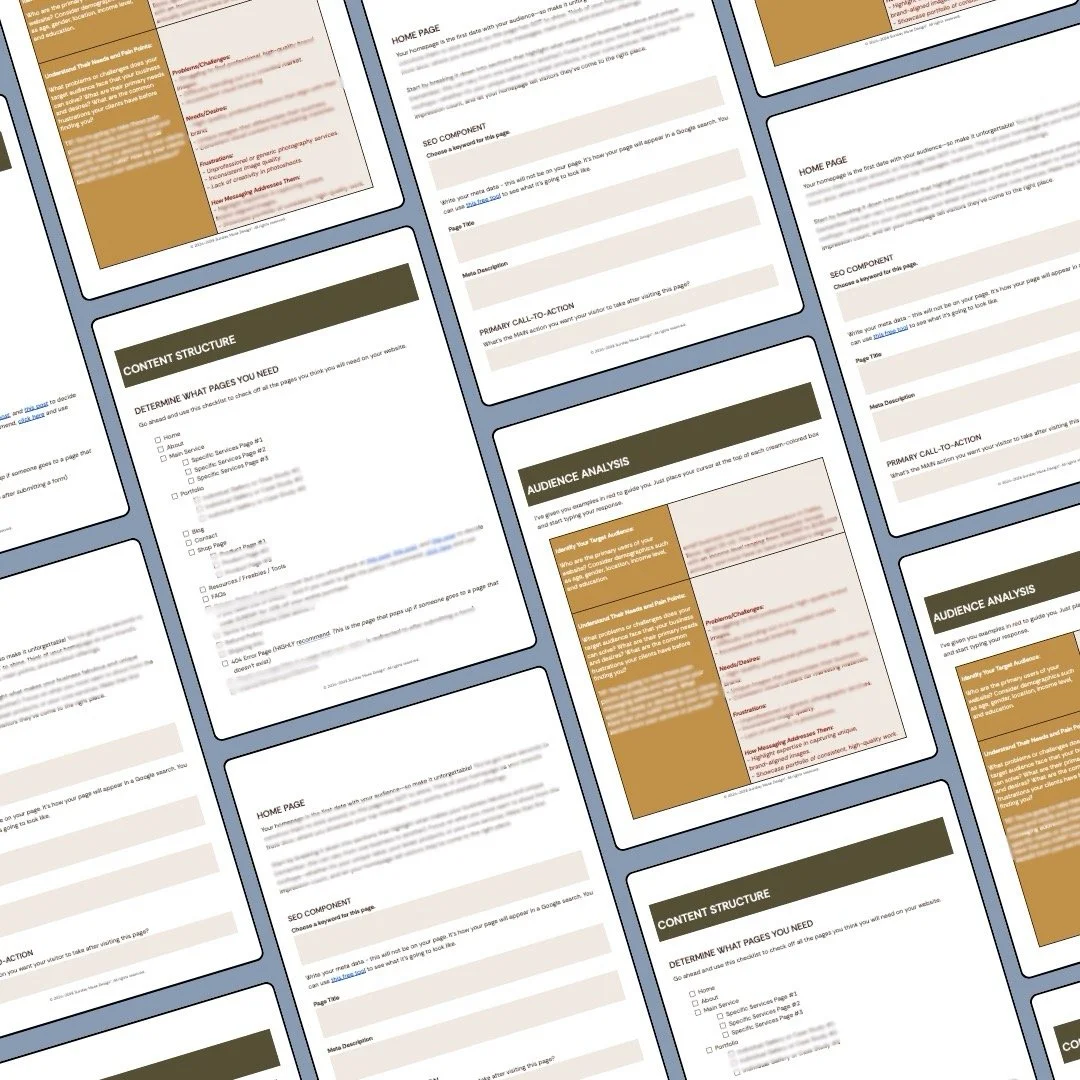
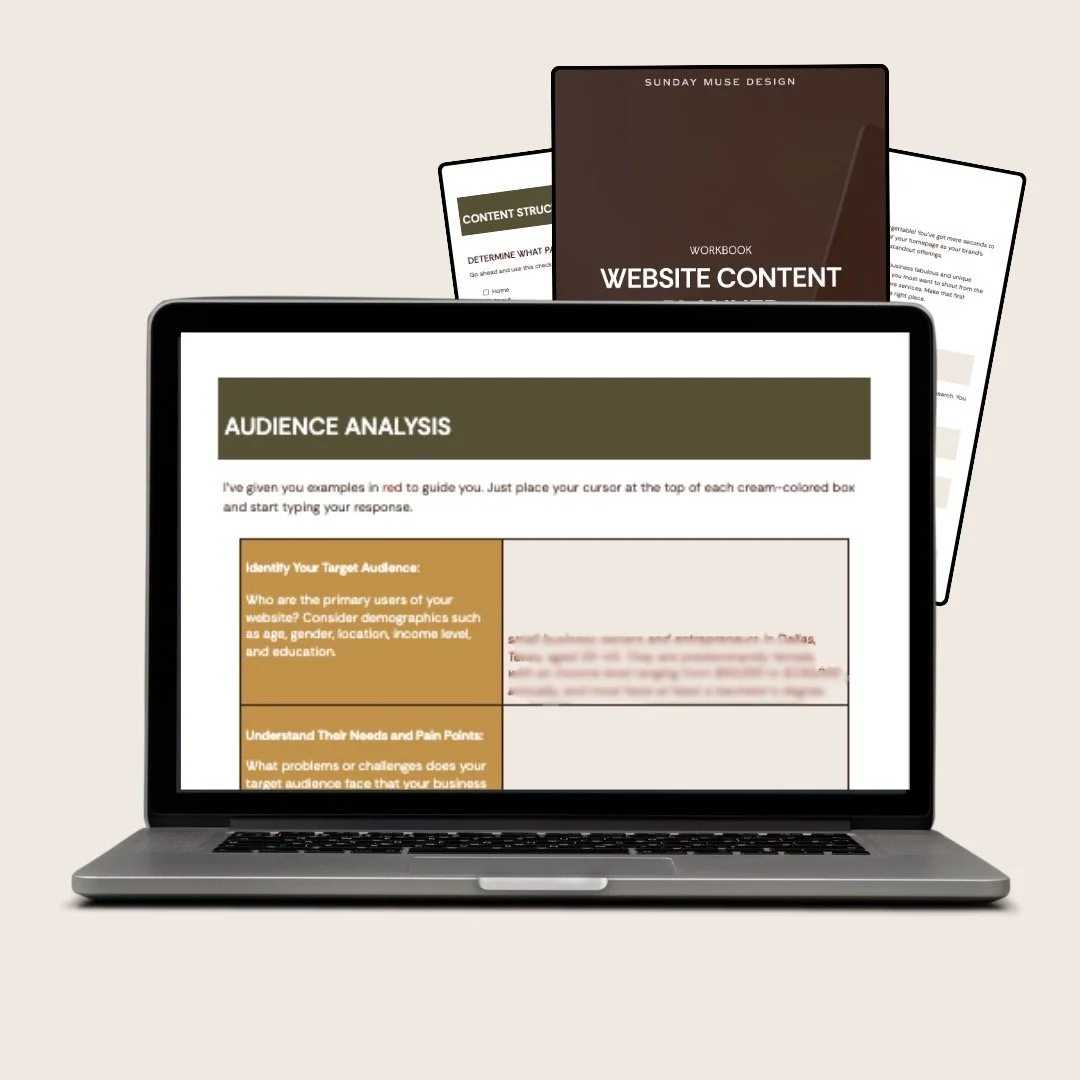
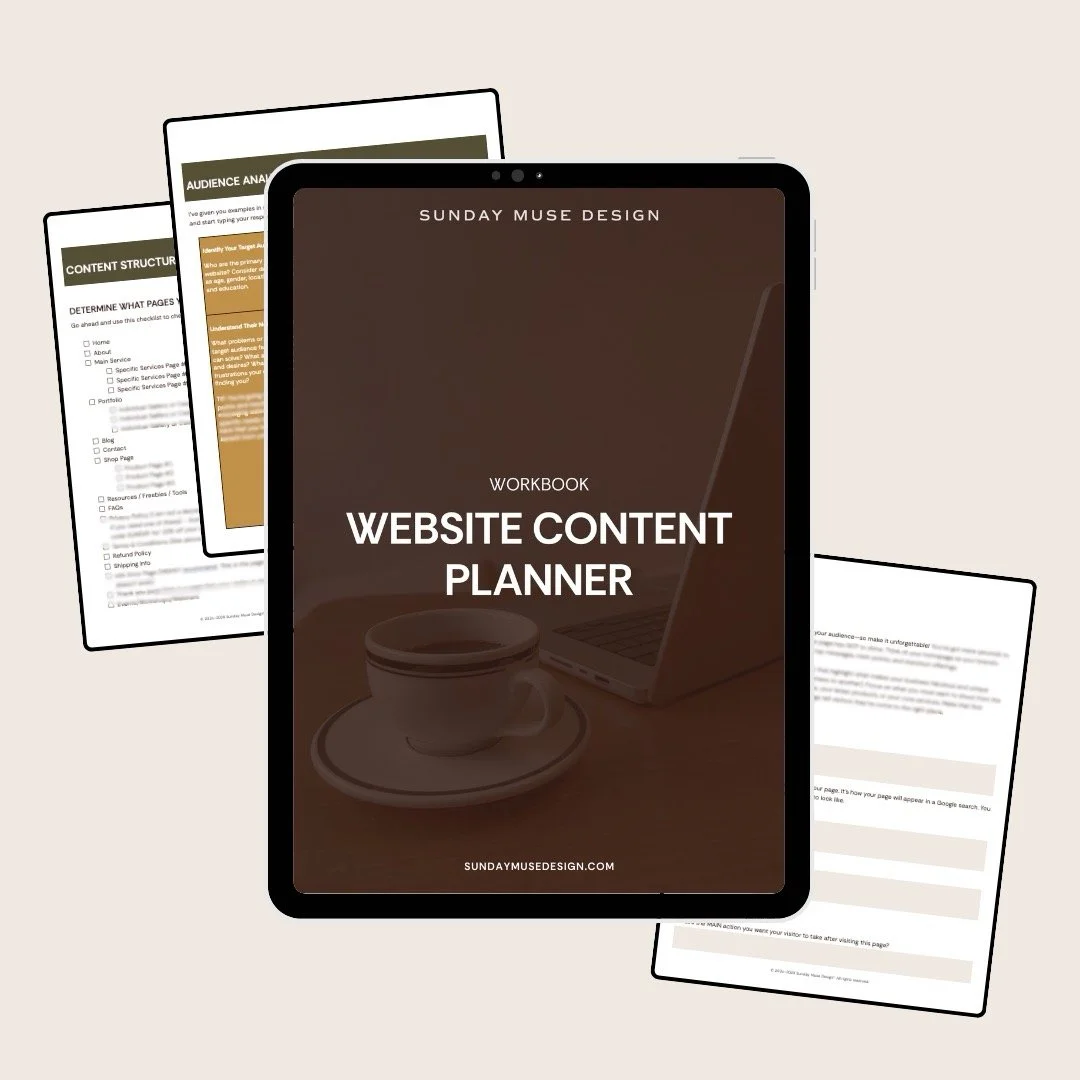
  • 📋 30-page fillable Google Docs workbook covering:

    • Strategy sections (the "figure out what you're even doing here" part):

      • Goals & Objectives (what you want your website to accomplish)

      • Audience Analysis (who you're talking to and what makes them click "contact")

      • SEO & Keywords (the words people type into Google to find businesses like yours)

      • Content Structure Planning (which pages you need + how to organize your navigation)

      Page-by-page breakdowns that tell you what content should live on:

      • Homepage (what to include, what to skip, how to structure it)

      • About Page (yes, it's more than just your bio)

      • Services Page (how to present what you do without boring people to tears)

      • Portfolio Page (if you need one—not everyone does!)

      • Blog Page (the landing page, not individual posts)

      • Resources Page (optional but useful)

      • Contact Page (it's more than just a form)

      • Footer (all the boring-but-necessary stuff)

      For each page, you'll map out:

      • What sections to include (hero, testimonials, CTAs, etc.)

      • SEO components (page title, meta description, keywords)

      • Primary call-to-action (what you want people to do after reading)

      • Content ideas and elements specific to that page type

  • Real examples from a brand photographer (but this workbook can be used for ANY industry)

  • 📝 Prompts and helper text that guide you through each section without making you feel like you're taking the SATs again

  • 🎯 SEO planning sections for every page (page titles, meta descriptions, keywords)

  • 🗺️ Site map template to visualize your navigation structure

Who it’s for

This planner is perfect if you:

  • Are launching a new website and have NO idea what pages you even need

  • Have a website but it's a Frankenstein monster of random updates from 2019

  • Know your business inside and out but freeze when asked "what should go on your homepage?"

  • Are working with a designer or developer and need to organize your content before handing it off

  • Want to DIY your website but need a clear roadmap of what goes where (and why)

  • Keep procrastinating because you don't know where to start or what you're supposed to include

  • Have been told "just write from the heart!" but your heart is screaming "WHAT DOES THAT EVEN MEAN"

This planner is NOT for you if:

  • You're looking for someone to write your copy for you (hire a copywriter!)

  • You want copywriting formulas or frameworks (grab a copywriting course instead)

  • Your website is already done and you're thrilled with it (congrats! go celebrate!)

  • You need technical help building your site (this is content strategy…not web development)

The Fine Print

  • This is a digital product. No physical copy will be mailed to you. (Although honestly, that would be kind of fun. Maybe one day.)

  • Instant download. Once you purchase, you'll get an email with your download link. Check your spam if it doesn't show up in 10 minutes.

  • No refunds. Because it's a digital download and you get immediate access, all sales are final. Make sure this is what you need before you buy!

  • Single-user license. This planner is for your business only. Please don't share it with other business owners or post it online. (Seriously, I will cry into my coffee. And not in the cute, relatable way.)

  • Questions? Email me at hello@sundaymusedesign.com and I'll help you figure out if this is the right fit.

Carefully review all Terms prior to purchasing.

Investment

$27

Stop staring at that blank homepage like it owes you money.

Sure, you could Google "what goes on a homepage" and get a generic checklist from someone who's never built a website that actually makes you money. This planner goes deeper; it tells you not just what content belongs on each page, but why it matters, how to organize it strategically, and what you can skip entirely because not every business needs every damn thing the internet says you do.

BUY NOW

What’s included:

  • 📋 30-page fillable Google Docs workbook covering:

    • Strategy sections (the "figure out what you're even doing here" part):

      • Goals & Objectives (what you want your website to accomplish)

      • Audience Analysis (who you're talking to and what makes them click "contact")

      • SEO & Keywords (the words people type into Google to find businesses like yours)

      • Content Structure Planning (which pages you need + how to organize your navigation)

      Page-by-page breakdowns that tell you what content should live on:

      • Homepage (what to include, what to skip, how to structure it)

      • About Page (yes, it's more than just your bio)

      • Services Page (how to present what you do without boring people to tears)

      • Portfolio Page (if you need one—not everyone does!)

      • Blog Page (the landing page, not individual posts)

      • Resources Page (optional but useful)

      • Contact Page (it's more than just a form)

      • Footer (all the boring-but-necessary stuff)

      For each page, you'll map out:

      • What sections to include (hero, testimonials, CTAs, etc.)

      • SEO components (page title, meta description, keywords)

      • Primary call-to-action (what you want people to do after reading)

      • Content ideas and elements specific to that page type

  • Real examples from a brand photographer (but this workbook can be used for ANY industry)

  • 📝 Prompts and helper text that guide you through each section without making you feel like you're taking the SATs again

  • 🎯 SEO planning sections for every page (page titles, meta descriptions, keywords)

  • 🗺️ Site map template to visualize your navigation structure

Who it’s for

This planner is perfect if you:

  • Are launching a new website and have NO idea what pages you even need

  • Have a website but it's a Frankenstein monster of random updates from 2019

  • Know your business inside and out but freeze when asked "what should go on your homepage?"

  • Are working with a designer or developer and need to organize your content before handing it off

  • Want to DIY your website but need a clear roadmap of what goes where (and why)

  • Keep procrastinating because you don't know where to start or what you're supposed to include

  • Have been told "just write from the heart!" but your heart is screaming "WHAT DOES THAT EVEN MEAN"

This planner is NOT for you if:

  • You're looking for someone to write your copy for you (hire a copywriter!)

  • You want copywriting formulas or frameworks (grab a copywriting course instead)

  • Your website is already done and you're thrilled with it (congrats! go celebrate!)

  • You need technical help building your site (this is content strategy…not web development)

The Fine Print

  • This is a digital product. No physical copy will be mailed to you. (Although honestly, that would be kind of fun. Maybe one day.)

  • Instant download. Once you purchase, you'll get an email with your download link. Check your spam if it doesn't show up in 10 minutes.

  • No refunds. Because it's a digital download and you get immediate access, all sales are final. Make sure this is what you need before you buy!

  • Single-user license. This planner is for your business only. Please don't share it with other business owners or post it online. (Seriously, I will cry into my coffee. And not in the cute, relatable way.)

  • Questions? Email me at hello@sundaymusedesign.com and I'll help you figure out if this is the right fit.

Carefully review all Terms prior to purchasing.

Investment

$27


FAQs

  • Correct! This tells you WHAT should be on each page and helps you organize your content strategy. You (or your copywriter) still have to write the words. Think of this as the blueprint for your house—it tells you where the kitchen goes and how big it should be, but you still have to pick out the cabinets and paint the walls.

  • Nope! Customize it to your needs. If you don't have a blog or portfolio, skip those sections. Not every business needs every page. Use what works for you and leave the rest.

  • Depends on how much coffee you've had. Realistically, you could knock out the basics in a few hours, but I'd recommend spreading it out over a few days so you're not rushing through the strategy parts. Take your time and do it right.

  • The planner has examples and prompts to guide you, but if you're really stuck and need strategic support, check out my Brand Strategy Intensive or done-for-you services. Sometimes you just need a human to talk it through with, and I'm here for that.

  • This is a single-user license, so it's for your business only. If your VA or team member needs to help you fill it out, that's totally fine—just don't pass the PDF around to other business owners or post it publicly. (I gotta keep the lights on over here, you know?)


Ready to stop guessing what goes on your website and have a plan?

BUY YOUR PLANNER NOW